

All articles
Building Products / 6 minutes read
How Great Product Teams Write Changelogs
March 27, 2026
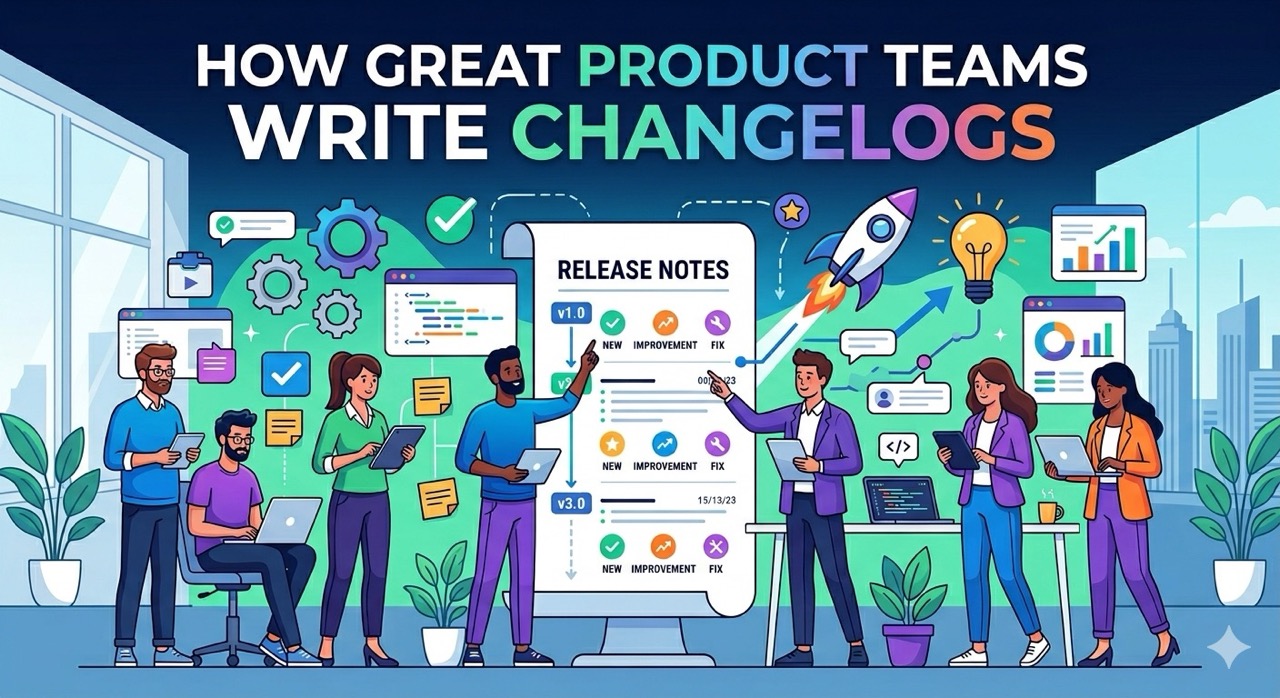
In most product teams, a changelog is seen as just “a place to record updates.”
But the best teams treat it as part of product communication, user trust building, and even a growth channel.
A great changelog doesn’t just answer “what did we build?” — it clearly answers three questions:
- What new things can users do now?
- Where is the product evolving?
- Is this a team worth trusting long-term?
As demonstrated by Linear in their practices, a changelog is not just a record — it’s a window into execution capability and product culture.
This article systematically breaks down how top product teams write changelogs, with real-world examples, and gives you a practical framework you can apply immediately.
1. The Essence of a Great Changelog
A changelog is not a document — it’s part of the product experience.
Many teams fail at writing changelogs because they position them incorrectly.
They treat it as:
- An engineering log
- Release notes
- Or something “required but nobody reads”
Top teams think differently:
👉 A changelog is an extension of user experience
A good changelog should be:
- User-facing, not engineer-facing
- Value-driven, not implementation-driven
- Scannable, not something that requires careful reading
In other words, it is closer to:
👉 Content design for product updates
2. 5 Things Great Teams Consistently Do
1. Write User Value, Not Features
This is the most critical point.
❌ Average:
Added CSV export to reports
✅ Great:
Export any report as a CSV — download it instantly
The difference:
- The first says what we did
- The second says what you can do now
👉 This is the core skill: translating features → benefits
Most teams fail here.
2. Control Information Density
Great teams don’t include everything.
Typical structure:
- 1–3 key highlights
- A group of improvements
- A group of bug fixes
Linear explicitly recommends focusing on a few important changes.
Why?
👉 Users are not auditing your work
👉 They just want to know what matters
3. Strong Visual Communication
Top teams almost always include:
- Screenshots
- GIFs
- Videos
Because:
👉 Visuals communicate faster than text
Examples:
- Notion: visual in every update
- Vercel: blog-style presentation
- Linear: screenshots + minimal text
👉 Users should understand it at a glance
4. Maintain a Consistent Cadence
Top teams publish updates:
- Weekly, or
- Bi-weekly
Why:
- Signals continuous progress
- Builds trust
- Reinforces delivery culture
👉 Consistency beats occasional big updates
5. Public by Default
Great teams make changelogs:
- Public on their website
- No login required
- Search-engine indexable
Why?
👉 It serves users, prospects, candidates, and investors
A changelog becomes:
- Proof of product activity
- Proof of execution
- A historical roadmap
3. Case Studies from Top Products
1. Linear: The Gold Standard
Characteristics:
- Minimal design
- Strong visuals
- Very short entries
- Focused on user value
👉 Feels like part of the product, not documentation
They even use it for:
- Marketing
- Hiring
- Investor communication
2. Notion: Structured & User-Friendly
- Version-based organization (e.g., Notion 3.4)
- Clear grouping
- Non-technical language
- GIF-based demonstrations
👉 Works for both casual and advanced users
3. Slack: Extreme Simplicity
- One sentence per update
- Starts with a verb
- Highly scannable
👉 Ideal for high-frequency updates
4. Vercel: Technical Yet Readable
- Blog-like format
- Includes code examples
- Developer-focused
👉 Write for your audience, not a generic style
5. ClickUp: Long-Form Explanations
- In-depth articles
- Includes use cases
- Detailed explanations
👉 Suitable for complex feature releases
4. Standard Changelog Structure (Reusable)
The goal:
👉 Let users understand what changed and why it matters in 5–10 seconds
1. Title (Outcome-Oriented)
Example:
Faster search across all projects
Key principle:
- Focus on results, not features
❌ Bad:
- Added search optimization
- Improved backend performance
✅ Good:
- Start with verbs (Faster / Export / Manage / Share)
- Emphasize outcomes (faster, easier, more powerful)
- Avoid technical jargon
👉 The title is the attention hook
2. Short Description (1–2 Sentences)
Explain what users can do now.
Example:
You can now search issues instantly across your entire workspace — no more delays.
Guidelines:
- 1–2 sentences
- Use “you”
- Be scenario-specific
- Optionally include a pain point
👉 Users scan, they don’t read
3. Visual Content (Highly Recommended)
- Screenshot
- GIF
- Short video
Why:
- Faster comprehension
- Lower cognitive load
- Higher engagement
Tips:
- Focus on the key change
- Keep GIFs 3–5 seconds
- Avoid cluttered screenshots
👉 Visuals are not decoration — they are efficiency
4. Tags (For Scannability)
Common:
- New
- Improved
- Fixed
Advanced:
- Performance
- Security
- Breaking Changes
👉 Helps users quickly filter relevance
5. Common Mistakes (90% of Teams Make These)
1. Writing for Engineers
Users don’t care what you implemented — they care what they gained.
2. Trying to Record Everything
Too much information dilutes what matters.
Users won’t filter — they’ll skip.
3. Inconsistent Updates
No updates = product feels stagnant or abandoned.
4. No Distribution
Publishing ≠ being seen.
Most users won’t visit your changelog page.
6. Advanced: Turning Changelog into a Growth Tool
1. Feedback Loop
- Users submit feedback
- Feature gets built
- Notify them
👉 Signals: “Your voice matters”
Results:
- Higher engagement
- Higher retention
- Lower churn
2. Roadmap Integration
- Planned
- In Progress
- Completed
👉 Users see a continuous evolution, not random updates
Builds:
- Clarity
- Trust
- Conversion
3. In-Product Notifications
- Red dot
- Inbox
- Widget
👉 The real problem is not content — it’s visibility
This drives:
- Higher click rates
- Higher feature adoption
7. Building a Complete Changelog System (with Suggix)
Knowing how to write is step one.
The real challenge is:
👉 Making changelogs visible, continuous, and impactful
A complete system must solve:
- How to produce high-quality content
- How users discover updates
- How to connect Roadmap & Feedback
- How to increase engagement

1. Rich Content, Not Just Text
Traditional problems:
- Text-only
- Poor structure
- Low visual appeal
Suggix provides a headless rich text editor:
You can combine:
- Headings & structure
- Images / GIFs / videos
- Lists & highlights
- Tables
👉 Upgrade from “a paragraph” to a structured, scannable update
2. Roadmap Integration (In Progress)
Flow:
- Feedback → Roadmap → Development → Changelog → Notification
👉 Users experience:
- “My request was built”
- “The product is evolving as expected”
This increases:
- Trust
- Retention
- Engagement
3. Distribution (Critical)
👉 Writing ≠ being seen
Suggix supports:
Email (in development)
- Reach inactive users
In-app (in development)
- Widget + red dot
- Target active users
Shareable pages
- Each changelog has a unique link
- Perfect for social distribution
4. Why This System Works
❌ Traditional approach:
- Notion → internal only
- Manual pages → high effort
- Plain text → weak expression
- No distribution → invisible
✅ Suggix:
- Rich editor → better content
- Widget + red dot → visibility
- Roadmap integration → trust
- Notifications → reach
5. A More Realistic Perspective
Why do some changelogs get attention while others don’t?
👉 It’s not about writing quality — it’s about having a system
Top teams don’t just:
- Write changelogs
They:
- Build a product communication system
Conclusion: From Logging Updates to Managing Expectations
When you upgrade your changelog from a “recording tool” to a “communication system”:
- Users understand your product better
- Users are more likely to stay
- Users are more willing to engage
Tools like Suggix help you achieve exactly that:
👉 Make updates visible, understandable, and participatory
That’s why modern product teams are no longer just writing changelogs —
they are using them as a growth lever.
Build what users love, together
Collect feedback, prioritize features, and keep your roadmap aligned with what actually matters.
Get Started — It’s FreeNo credit card required · 14-day free trial · Setup in minutes