

Publish Product Updates
Publish product updates, improvements, and fixes in a structured changelog so your users always know what’s new.
Start Publishing UpdatesProduct updates are often invisible
Without a changelog, users rarely notice improvements. Updates get buried in release notes, support tickets, or internal tools — leading to confusion and missed value.
Without a Changelog
Users unaware of new features
Release notes scattered across tools
Support tickets increase after updates
No structured communication
Teams struggle to document changes
With Suggix Changelog
Centralized and structured update feed
Clear visibility of releases and fixes
Users stay informed automatically
Consistent communication across teams
Reduced support load after updates
A structured way to communicate product updates
Suggix changelog turns your releases into a clean, user-facing timeline. Every update is organized, searchable, and easy to publish.
AI-Powered Updates
Generate changelog entries automatically from product changes
Releases
Ship and announce product updates clearly
Bug Fixes
Communicate improvements and fixes transparently
Rich Editor
Create structured updates with images, headings, and media
Scheduled Publishing
Plan and publish updates automatically
Drafts
Prepare updates privately before publishing
How it works
From internal changes to public announcements — publish updates in a few simple steps.
Step 1
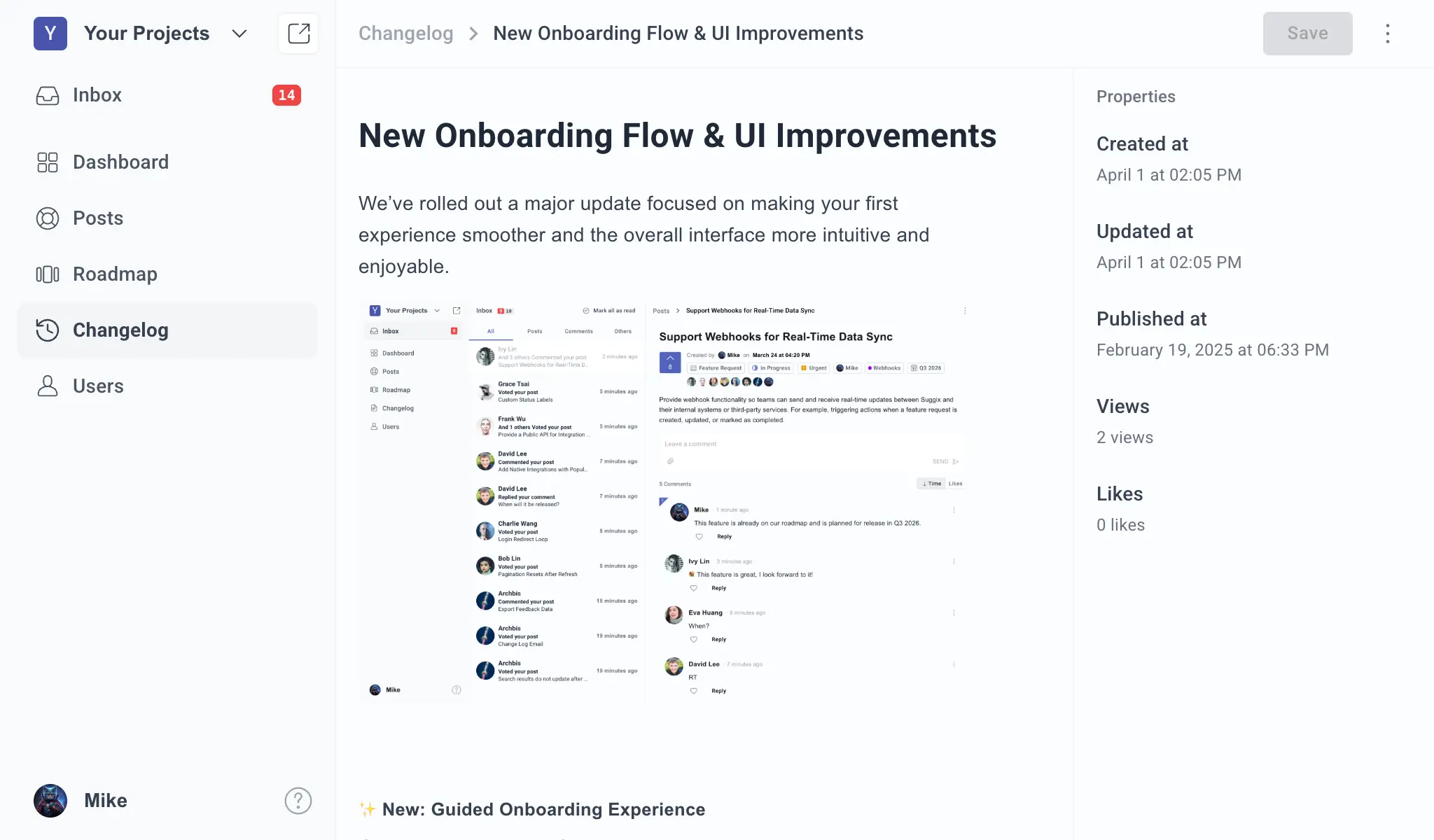
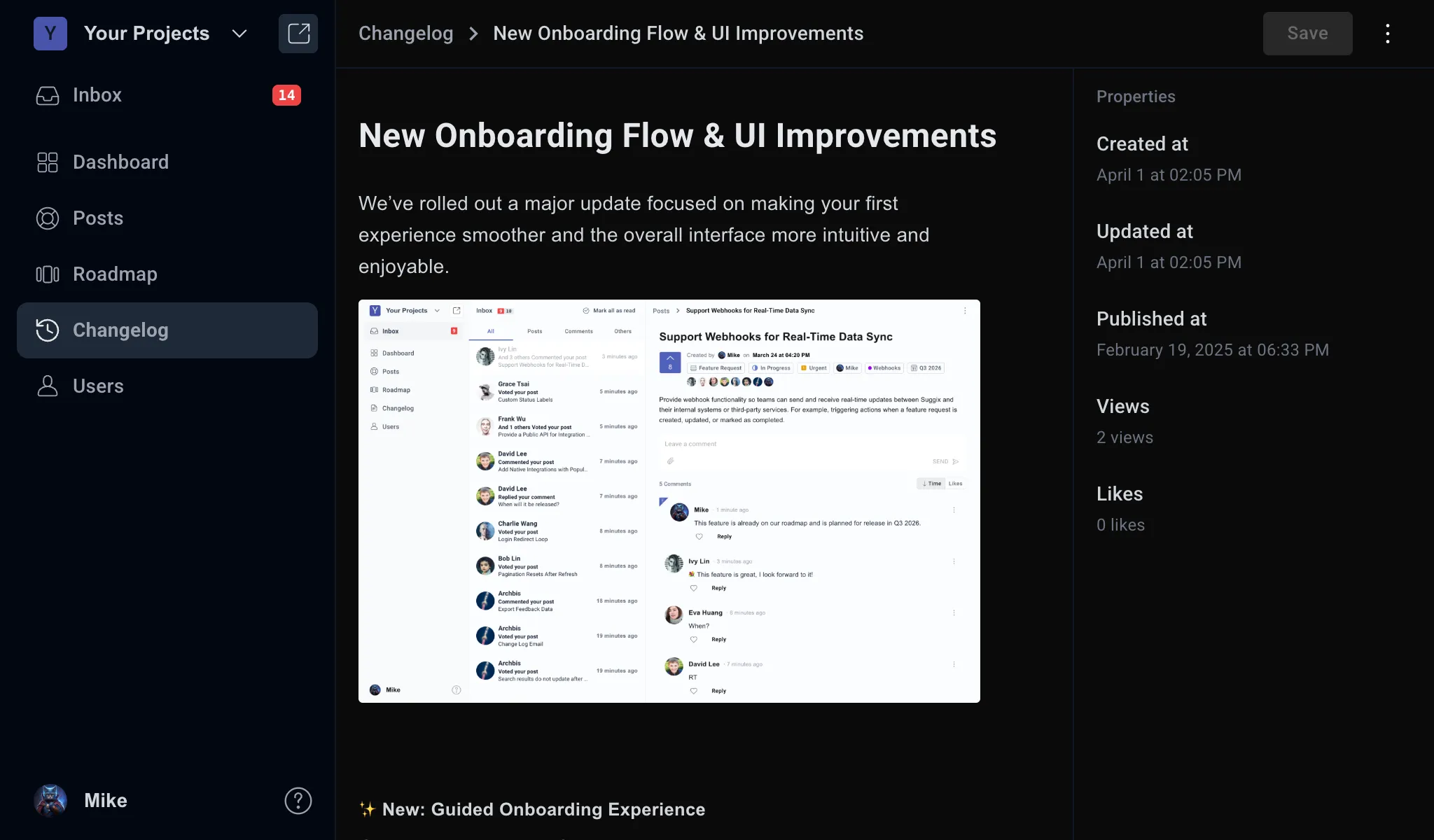
1. Create an update
Use the AI-powered editor to generate changelog entries, or manually create structured updates with images, headings, and media. Easily document releases and bug fixes with clarity.
Step 2
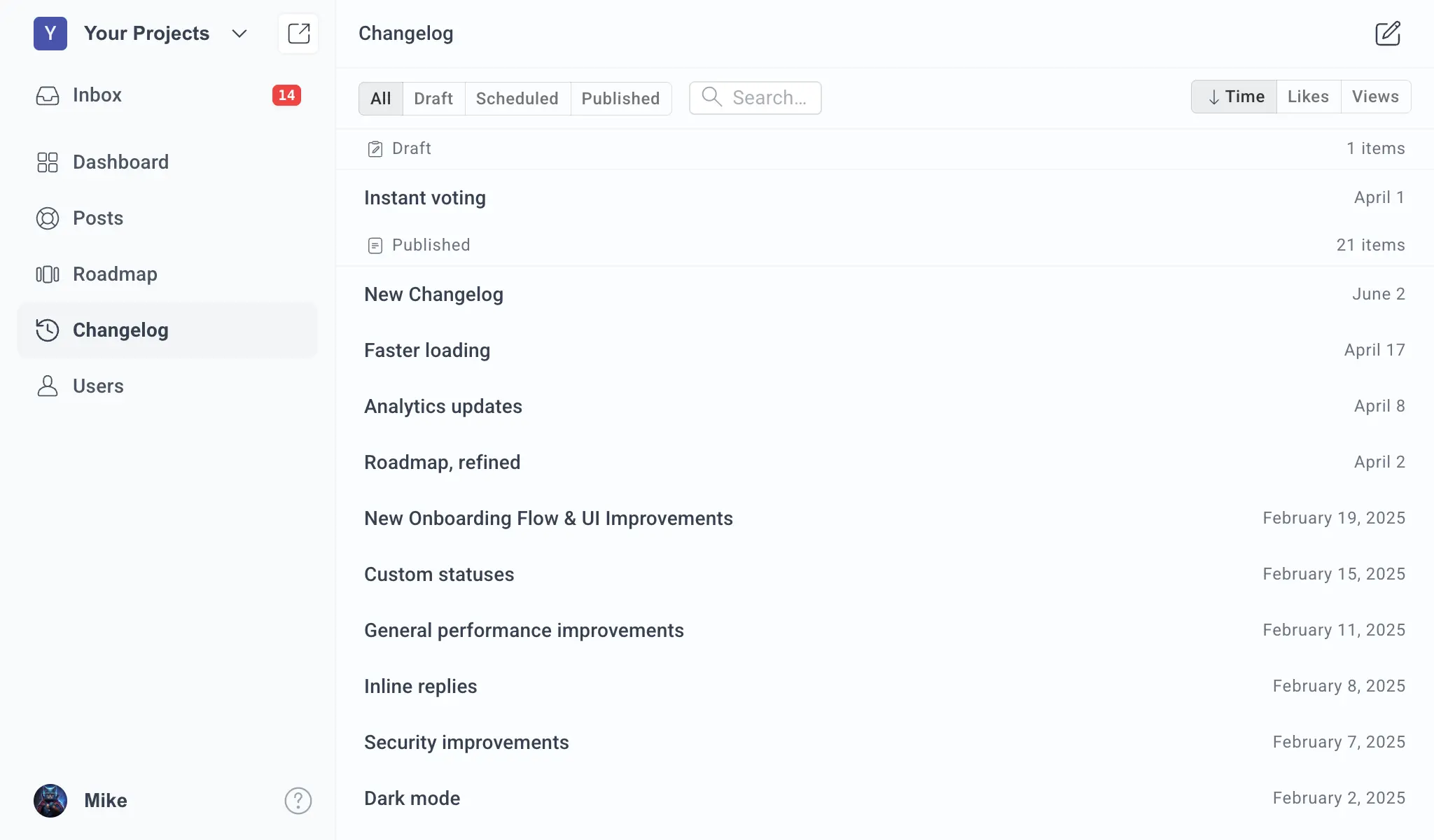
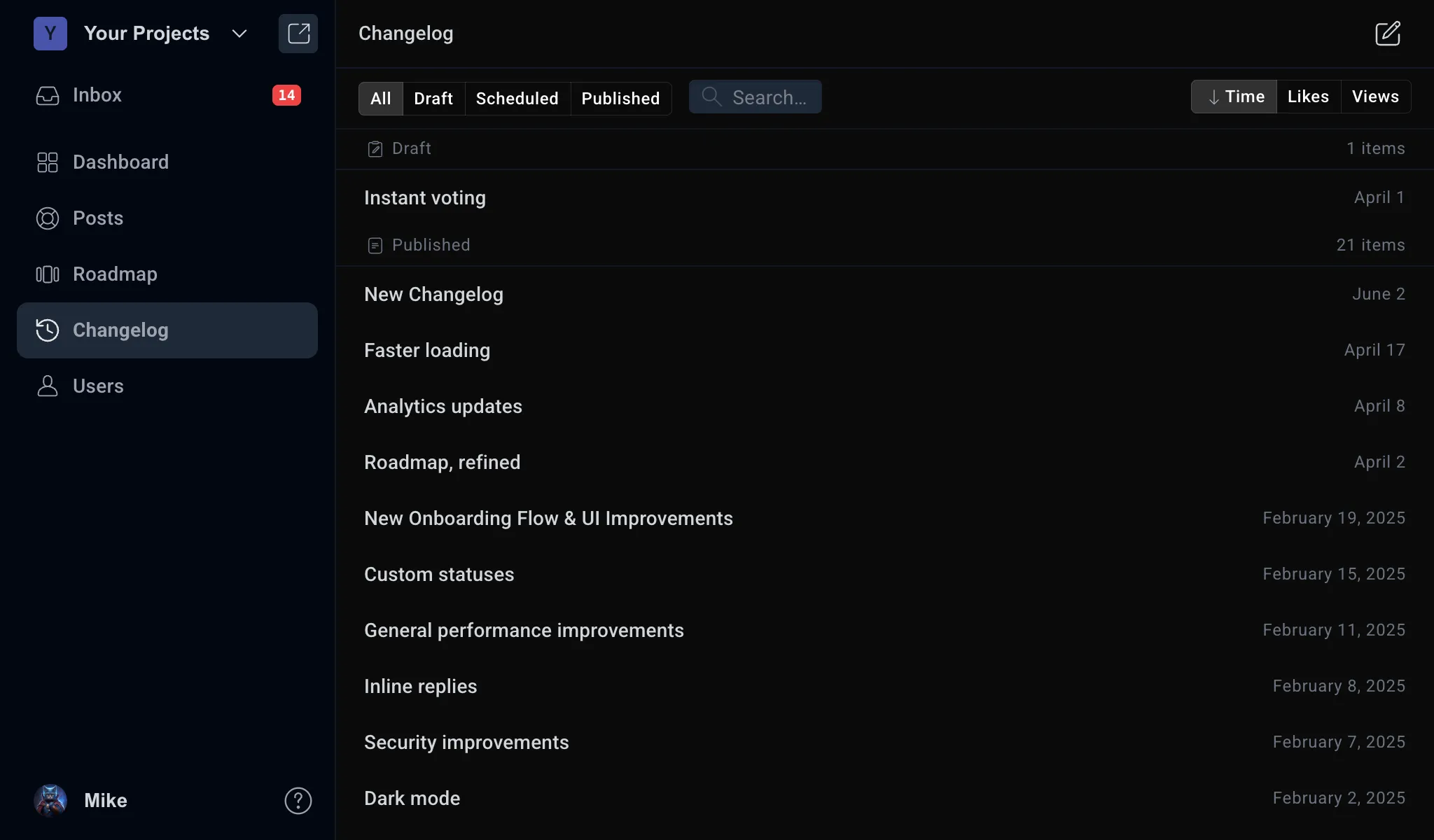
2. Organize & schedule
Group updates into releases, manage drafts privately, and schedule publishing in advance to keep your changelog organized and consistent.
Step 3
3. Publish & notify users
Ship product updates through releases, communicate bug fixes transparently, and automatically notify users via changelog feeds when updates go live.
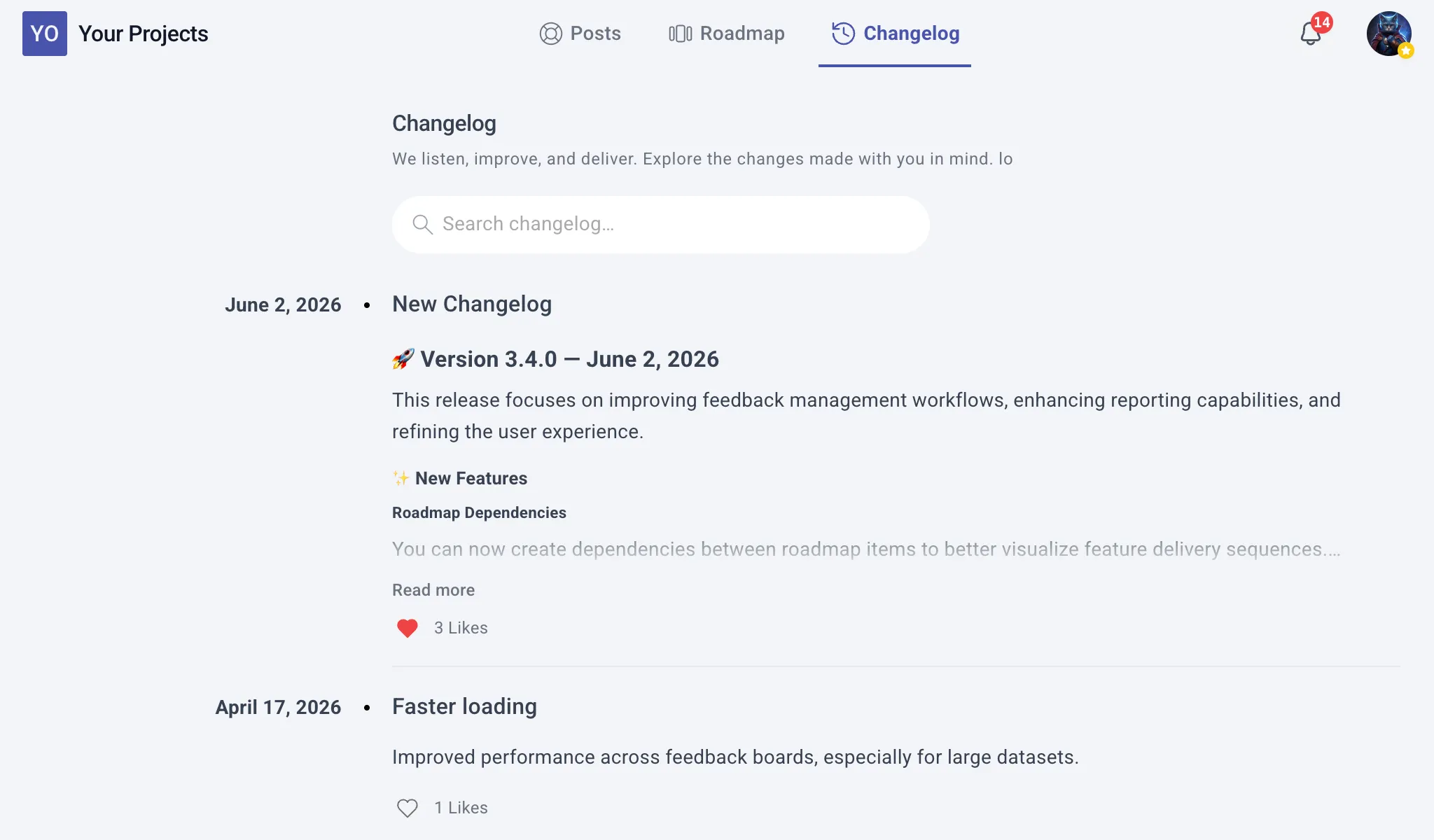
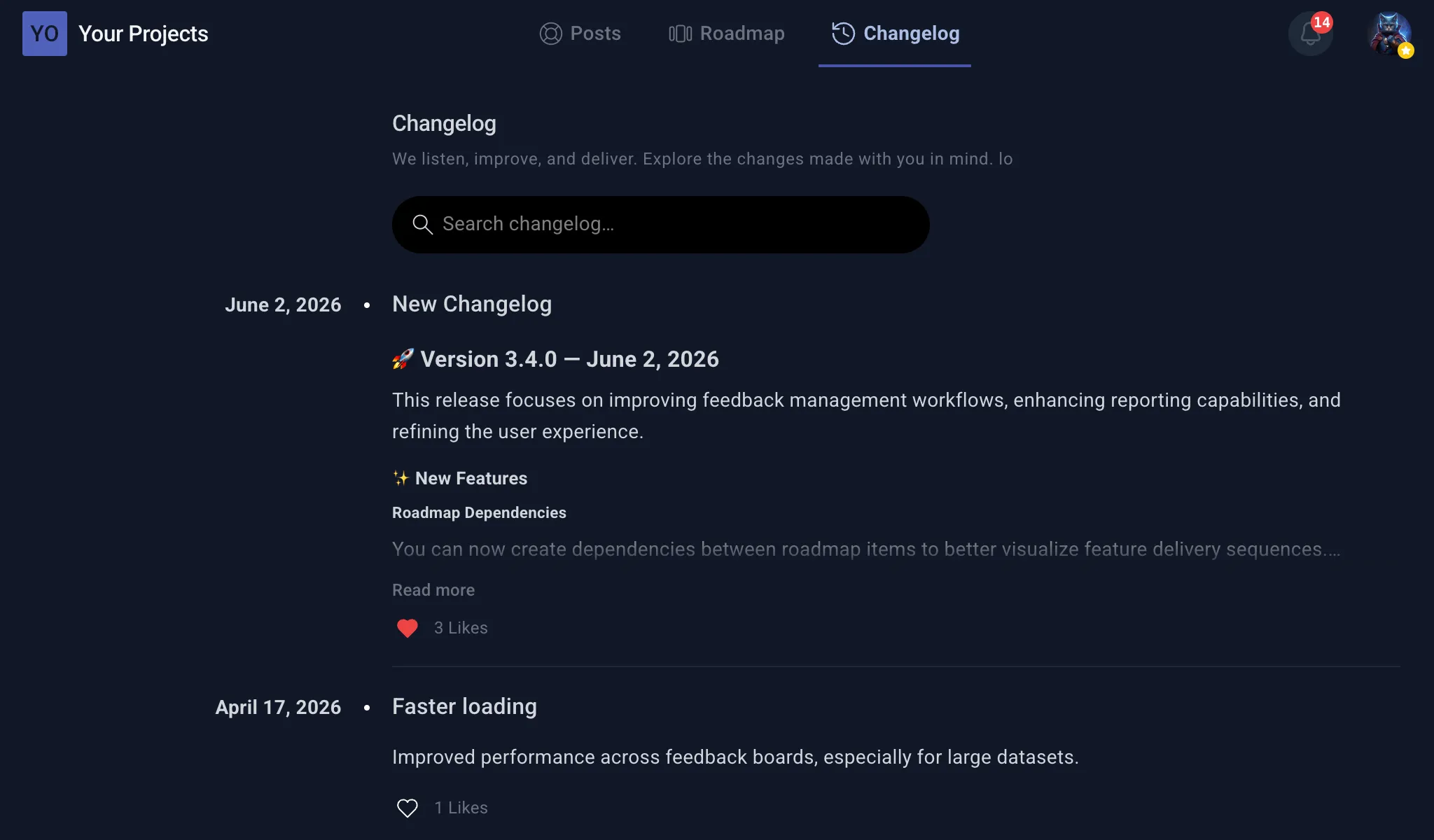
“Our changelog used to be manual and inconsistent. With Suggix, publishing updates became part of our workflow. Users now clearly see what’s new, and our support workload dropped noticeably.”
Sarah Johnson
CTO · Cloudbase
Frequently Asked Questions
Everything about publishing and managing product changelogs
A product changelog is a structured record of updates, including new features, improvements, and bug fixes. It helps keep users informed about what’s changed in your product over time.
A changelog improves transparency and communication with users. It ensures users are aware of updates, reduces confusion, and helps them get value from new features and fixes.
Unlike general-purpose tools, Suggix is purpose-built for public-facing changelogs. It provides structured publishing, user-friendly layouts, and built-in workflows for managing and sharing updates.
Yes. Suggix allows you to notify users when updates are published, helping ensure they are aware of new features, improvements, and fixes in a timely manner.
Yes. You can create updates ahead of time and schedule them to be published automatically at a specific date and time.
Yes. Suggix supports drafts so you can prepare and review updates internally before making them public.
You can publish feature releases, bug fixes, improvements, announcements, and any other product-related updates in a structured format.
Yes. Suggix supports rich content such as images, headings, and formatted text, allowing you to create detailed and visually clear update posts.
Yes. The changelog can be made publicly accessible so users can browse updates anytime, improving transparency and trust.
Yes. You can group multiple updates into releases to present them in a structured and easy-to-follow timeline.
By clearly communicating updates and changes, users can quickly understand what’s new without contacting support. This reduces repetitive questions and improves user experience.
Yes. Suggix can complement your existing workflow by acting as a centralized changelog platform, while your team continues using tools like GitHub, Jira, or Slack.
Build what users love, together
Collect feedback, prioritize features, and keep your roadmap aligned with what actually matters.
Get Started — It’s FreeNo credit card required · 14-day free trial · Setup in minutes